
Summary
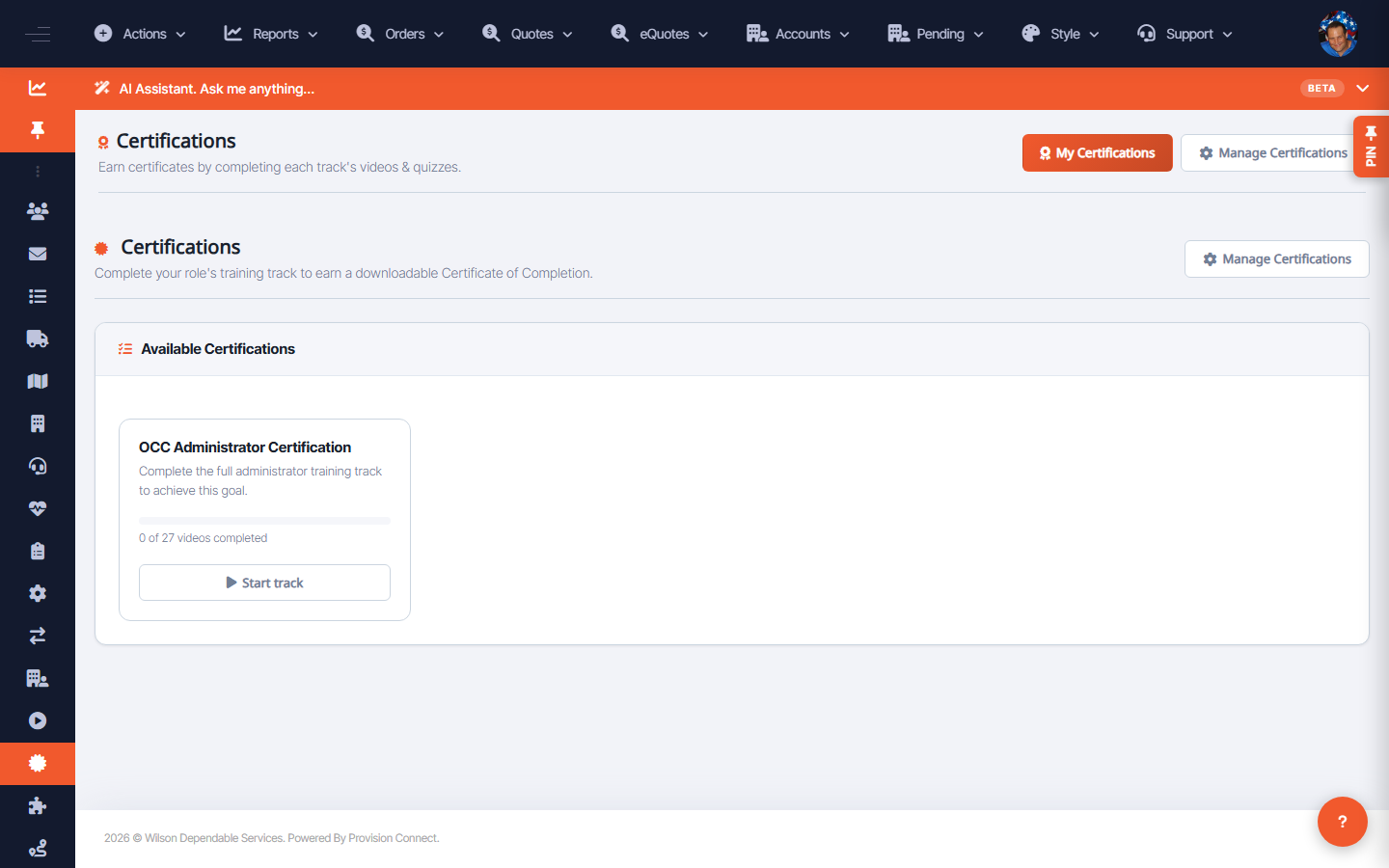
The Certifications page lists available certifications (such as the OCC Administrator Certification) you can work toward to prove competence on the platform.
Before you start
- Required role: Admin or Support Agent (to pursue admin-level certs)
Steps
- Go to Configuration ? Certifications (
/certifications.cfm?view=certs). - Browse Available Certifications.
- Open a certification (e.g. OCC Administrator Certification) to see its requirements and start.
What success looks like
You can see which certifications exist and your progress/eligibility for each.
Gotchas / troubleshooting
- Complete the matching demo modules first — they map to the certification's content.
Related
- Run a guided demo / training module