
Summary
My Profile is your own admin account: update your details and password. Across the OCC you can also personalize the experience — pin pages to the menu and set theme (Light/Dark/Auto) and font size.
Before you start
- You're signed in to the OCC
Steps
- Open the user menu (top-right) and choose My Profile (
/user_info.cfm). - Update your details/password and save.
- To pin a page for quick access, use Pin to Menu on that page.
- Set Theme Mode (Light / Dark / Auto) and Font Size from the appearance controls.
What success looks like
Your profile changes save, pinned pages appear in your menu, and the UI reflects your theme/font choices.
Gotchas / troubleshooting
- Pins are per-user; they don't change other admins' menus.
Related
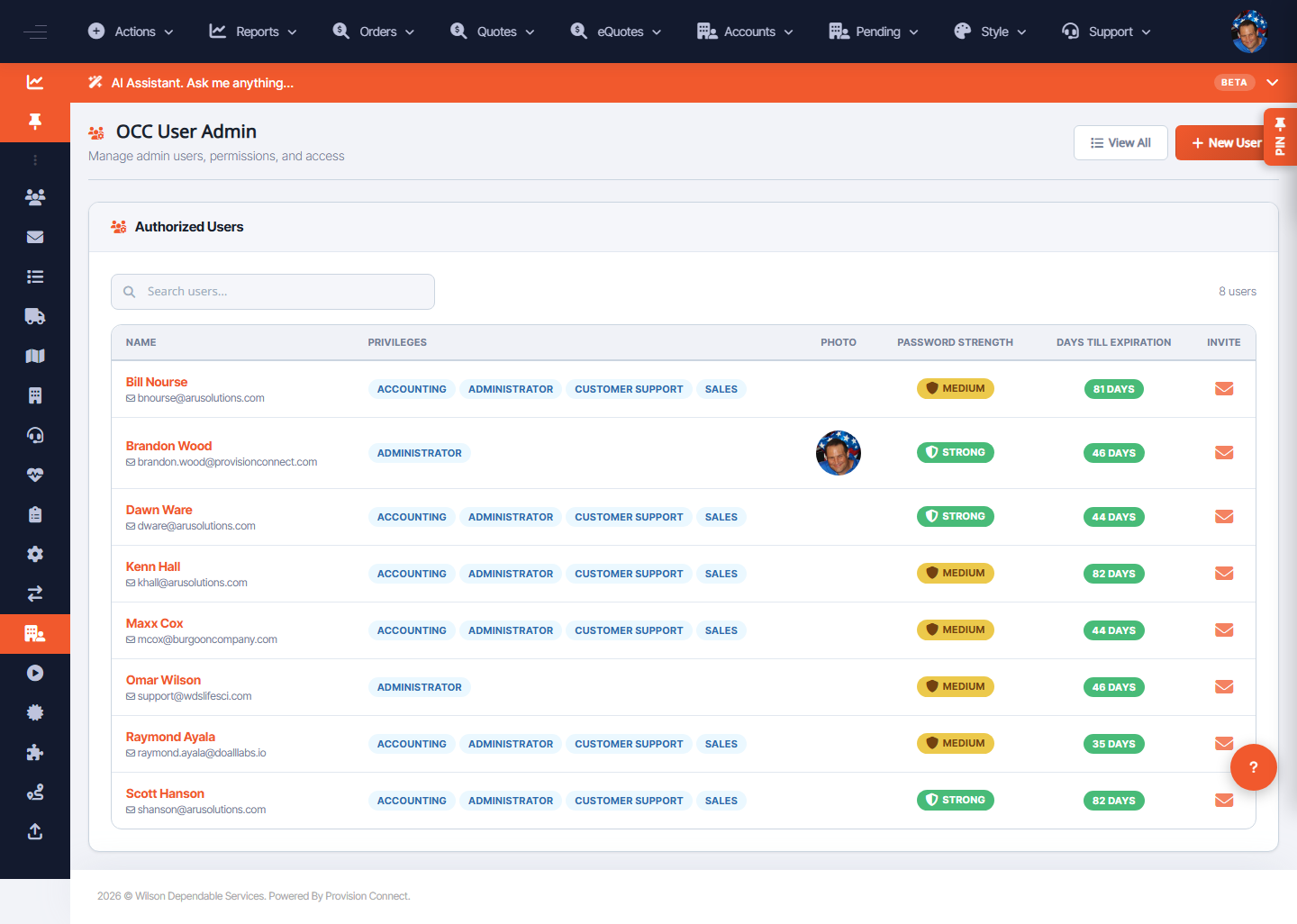
- Manage OCC admin users and invites