
Summary
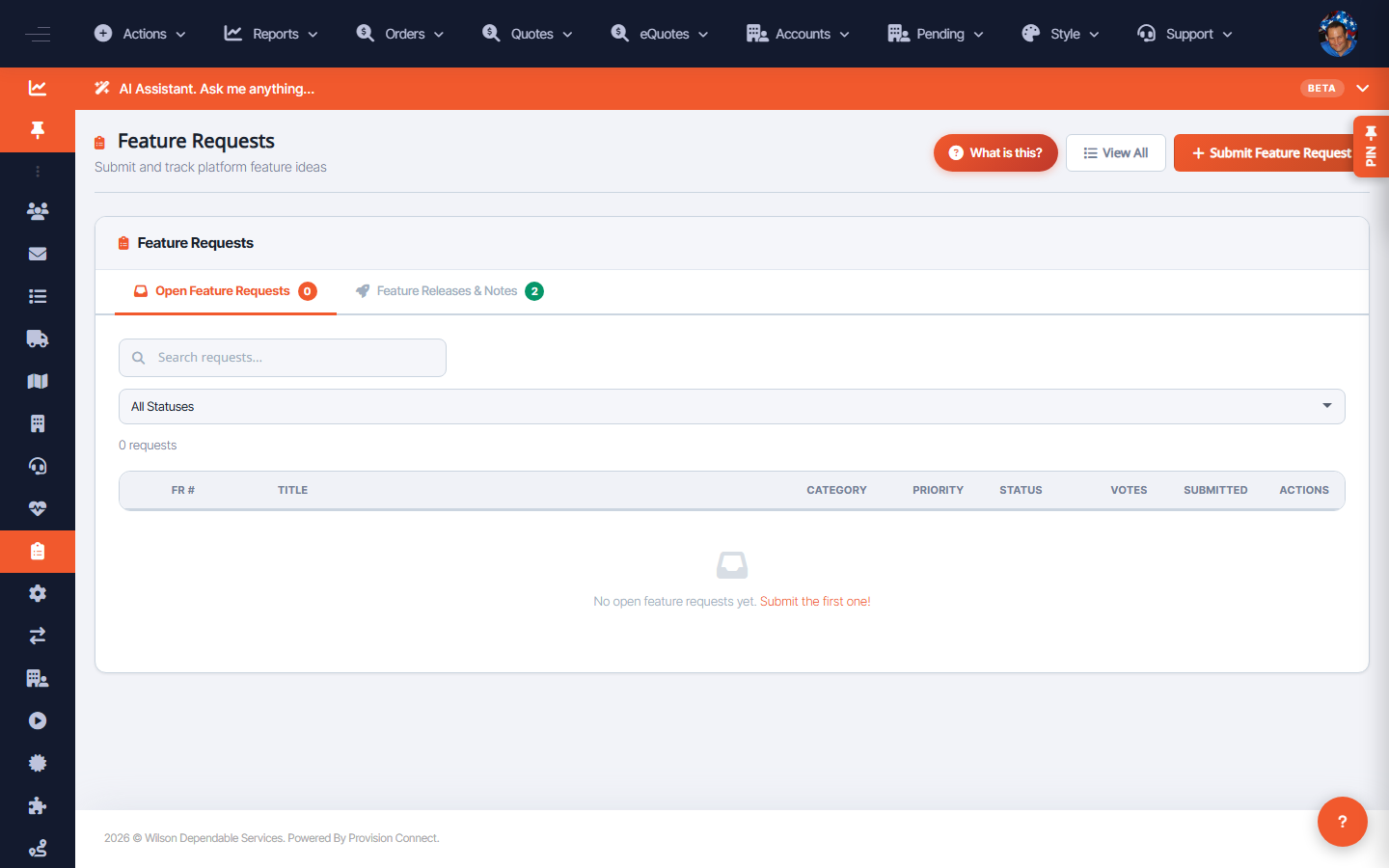
Feature Requests lets users submit enhancement ideas and track them by status, priority, and votes, with release notes when shipped.
Before you start
- No special role to submit
Steps
- Go to View Feature Requests (
/feature_requests.cfm?view=1). _(Columns: FR #, Title, Category, Priority, Status, Votes, Submitted, Feature & Release Notes, Released, Actions)_ - To add one, use Submit Feature Request (
/feature_requests.cfm?add=1) and describe it with a category. - Vote on existing requests and watch Status / Released for progress.
What success looks like
Your request gets an FR number and appears in the list; you can follow its status and see release notes when delivered.
Gotchas / troubleshooting
- Check existing requests and vote before creating a duplicate — votes help prioritization.
Related
- View the change log
- Create a support ticket