
Summary
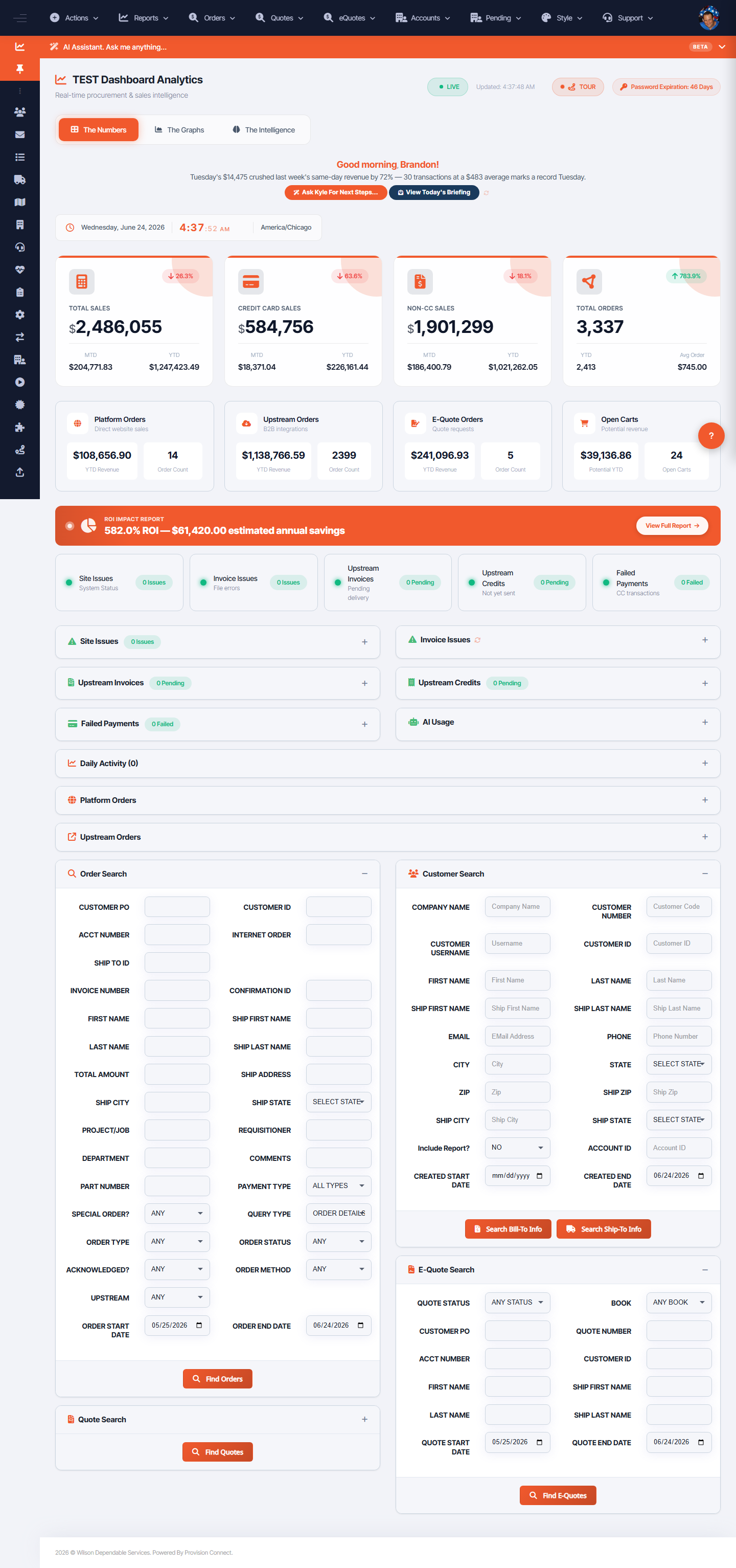
Kyle is the built-in AI assistant available across the OCC. Ask it about orders, invoices, customers, and platform stats in plain language, or search products by typing product: followed by a description.
Before you start
- Kyle appears in the assistant panel on the dashboard and pages throughout the OCC
Steps
- Open the AI Assistant panel (top of the dashboard).
- Type a question, e.g. "How many orders shipped this week?", "List pending invoices over $1,000", "What are today's order totals?".
- For product lookup, type
product:then a description, e.g.product: PPE for a lab. - Use suggested prompts or Ask Kyle For Next Steps to act on the daily insight.
- Use Clear to reset the conversation.
What success looks like
Kyle returns a grounded answer (orders, invoices, customers, stats) or relevant product matches.
Gotchas / troubleshooting
- For product search you must prefix with
product:— plain product text is otherwise treated as a stats question. - Kyle is marked BETA; verify high-stakes figures against the underlying report or order search.
Related
- Read the OCC dashboard
- Search for orders, invoices, and quotes