
Summary
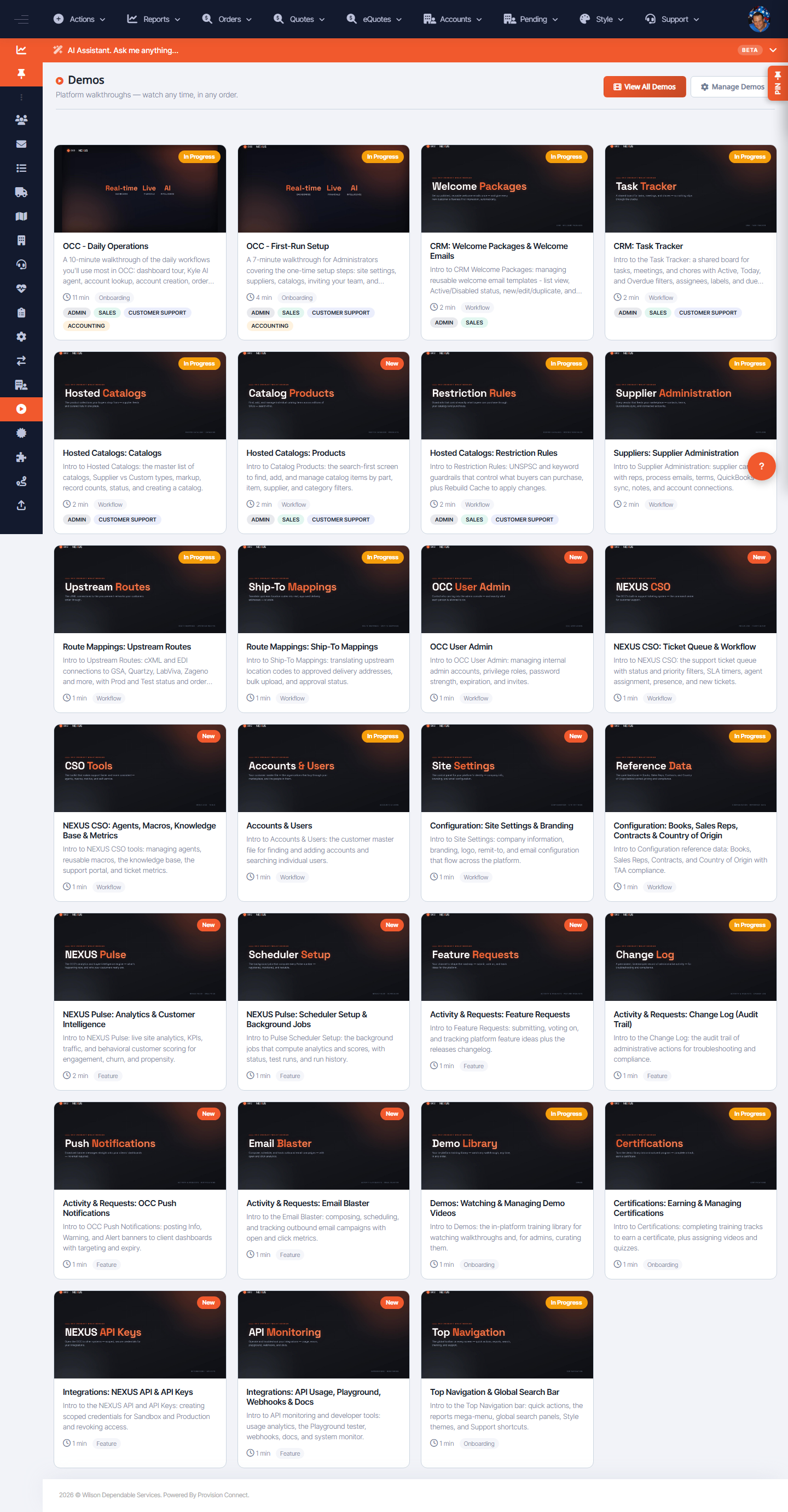
The Demos library offers guided, interactive training modules covering OCC operations and CRM workflows. Pick a module to learn a workflow end to end.
Before you start
- No special role to view demos
Steps
- Go to Configuration ? Demos (
/demos.cfm?view=list). - Choose a module, e.g.:
- OCC – Daily Operations
- OCC – First-Run Setup
- CRM: Welcome Packages & Welcome Emails
- CRM: Task Tracker
- Hosted Catalogs: Catalogs
- Hosted Catalogs: Products
- Follow the steps in the demo.
What success looks like
You complete the module and understand the workflow it covers.
Gotchas / troubleshooting
- Pair demos with the in-page tours (Replay page tour) for hands-on practice on the real screen.
Related
- View available certifications
- Manage in-app tours