
Summary
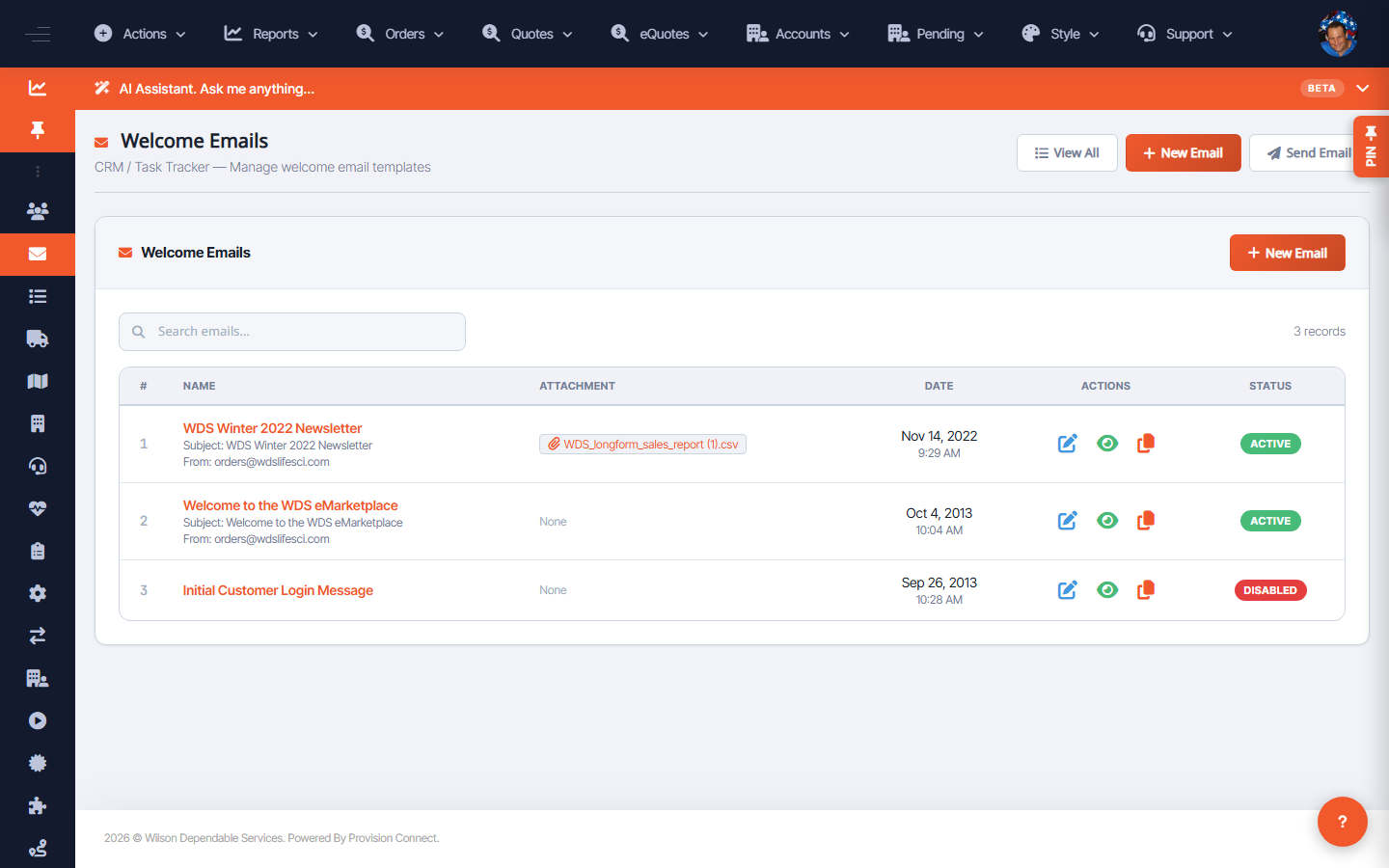
Welcome Emails manages the welcome templates (with optional attachments) sent to new customers, and supports sending them in bulk.
Before you start
- Required role: Admin
Steps
- Go to Welcome Emails (
/welcome_package.cfm?welcome_show=1). _(Columns: #, Name, Attachment, Date, Actions, Status)_ - Add or edit a welcome email; attach files if needed and set Status.
- To send to many recipients at once, use Send Bulk Emails (
/welcome_package.cfm?welcome_email=1).
What success looks like
The welcome template is active with its attachment, and bulk sends reach the selected new customers.
Gotchas / troubleshooting
- A new login's Send Welcome Email? option uses the active template — confirm one is active before creating users in bulk.
Related
- Create a customer login
- Send an email campaign