
Summary
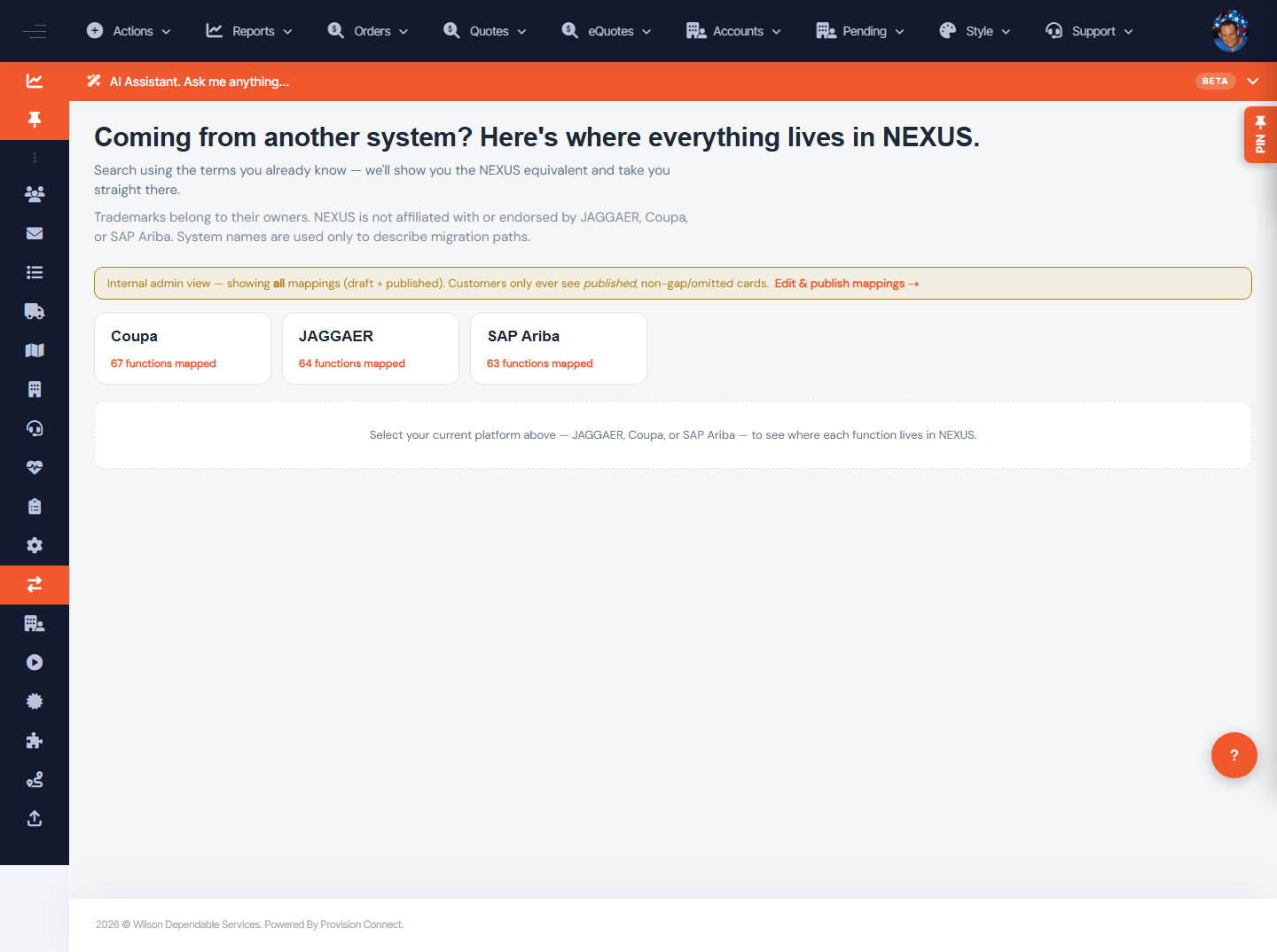
The Migration Bridge maps competitor procurement features to their NEXUS equivalents so a migrating customer can search in the vocabulary they already know and jump straight to the right NEXUS screen. It covers Coupa, JAGGAER, and SAP Ariba.
Before you start
- No special role for viewing published mappings (customers see published, non-gap cards)
Steps
- Go to Migration Bridge (
/migration.cfm). - Select your current platform — Coupa, JAGGAER, or SAP Ariba.
- Search using the term you already know; the matching card shows the NEXUS equivalent.
- Click through to go straight to that NEXUS screen.
What success looks like
You see a card naming the NEXUS feature that does the same job, with a link that takes you there.
Gotchas / troubleshooting
- Coverage as observed: Coupa ~67 functions, JAGGAER ~64, SAP Ariba ~63 mapped.
- If a function shows as a gap/omitted, NEXUS may handle it differently or via Kyle/support — it won't appear as a customer card.
Related
- Edit and publish migration mappings