
Summary
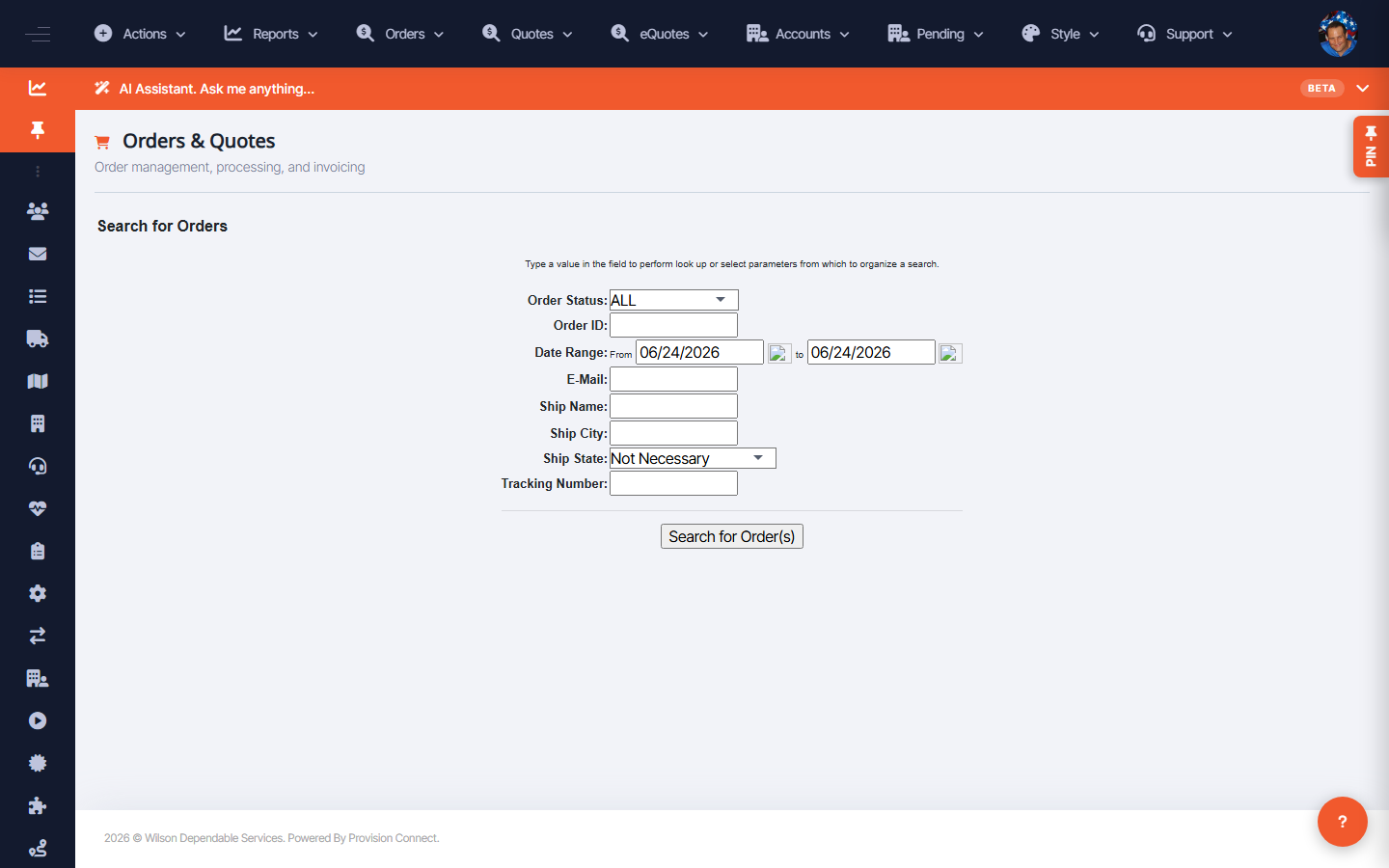
The Order Search (on the dashboard, results at /orders.cfm) finds orders, invoices, and quotes by a wide set of criteria, and can return order details or invoice reports. It's the main way to answer "where is this order/invoice?"
Before you start
- Required role: Admin, Support Agent, or Reseller Admin
Steps
- From the Dashboard, use the Order Search form (results open in
/orders.cfm). - Filter by any of: Customer PO, Customer ID, Acct Number, Internet Order, Ship-To ID, Invoice Number, Confirmation ID, names, Total Amount, ship address/city/state, Project/Job, Requisitioner, Department, Comments, Part Number, Payment Type.
- Choose Query Type: Order Details, Order Report, Closed Invoice Report, or Outstanding Invoice Report.
- Narrow with Order Type (PConnect / Backdoor), Order Status (Pending, Sent, Needs Quote Information, Needs Processing), Acknowledged?, Order Method (Quote to Order, Front End Order, Upstream), Upstream source (GSA, Intramalls, Labviva, Quartzy, Zageno), and a date range.
- Click Find Orders (or Find Quotes / Find eQuotes for those).
What success looks like
Matching orders/invoices/quotes are listed; report query types return the corresponding report.
Gotchas / troubleshooting
- For EDI/B2B orders, filter Order Method = Upstream and pick the Upstream source to isolate a channel (e.g. GSA).
- "Outstanding Invoice Report" vs "Closed Invoice Report" is the fastest split for AR follow-up.
Related
- Manage upstream order routes
- Run reports and build custom reports