
Summary
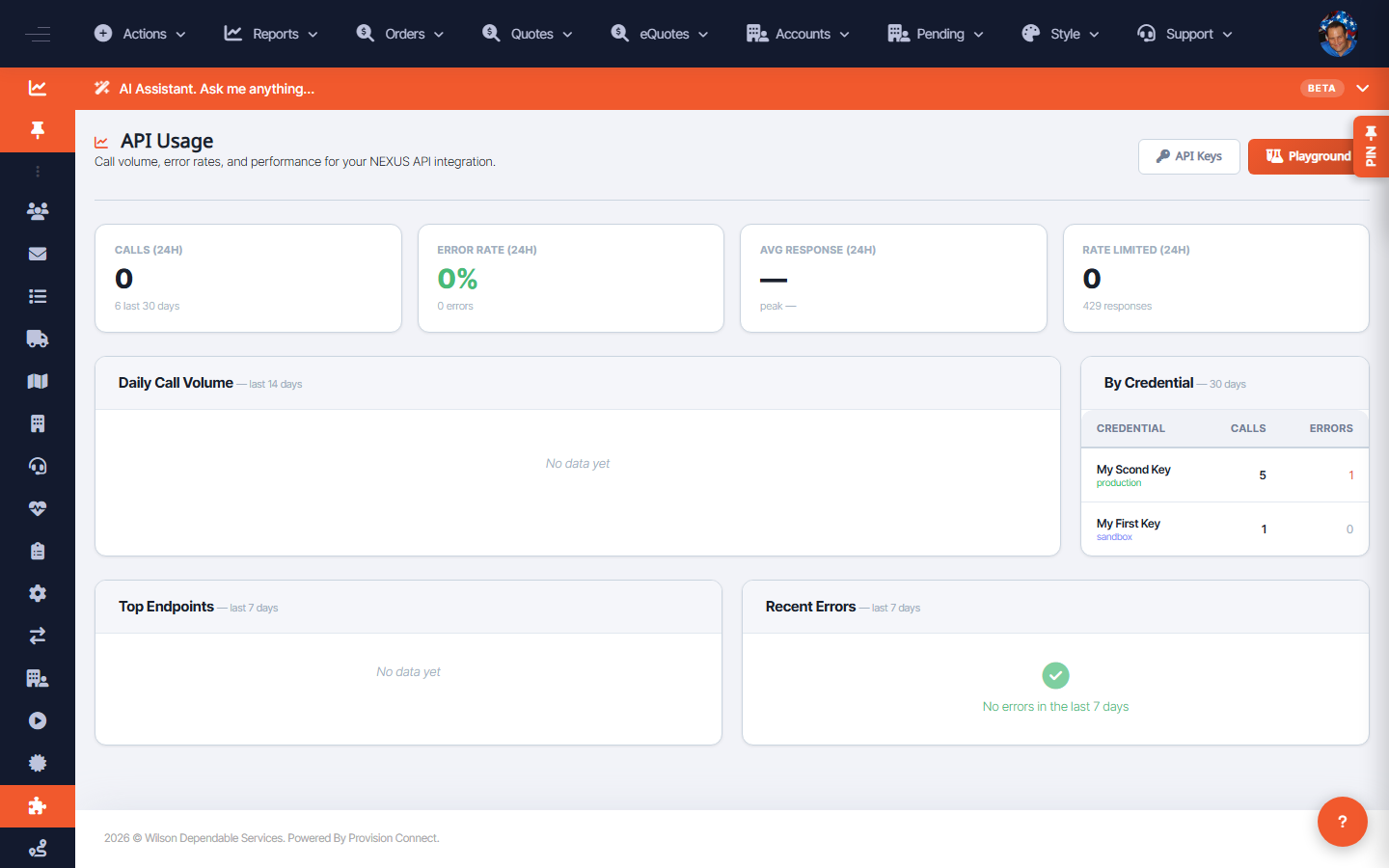
API Usage shows daily call volume (last 14 days), usage by credential (30 days), top endpoints (7 days), and recent errors (7 days). Admins also have a System Monitor view for platform-wide API health.
Before you start
- Required role: Admin or Developer
Steps
- Go to Integrations ? NEXUS API ? API Usage (
/nexus_api_usage.cfm). - Review Daily Call Volume, By Credential (Calls / Errors), Top Endpoints, and Recent Errors.
- For platform-wide health, open System Monitor (
/nexus_api_usage_admin.cfm).
What success looks like
You can see which credential and endpoints drive traffic and whether errors are spiking.
Gotchas / troubleshooting
- A single credential with a high error rate in By Credential usually points to a misconfigured integration, not a platform problem.
Related
- Create a NEXUS API credential
- Test API calls in the Playground