
Summary
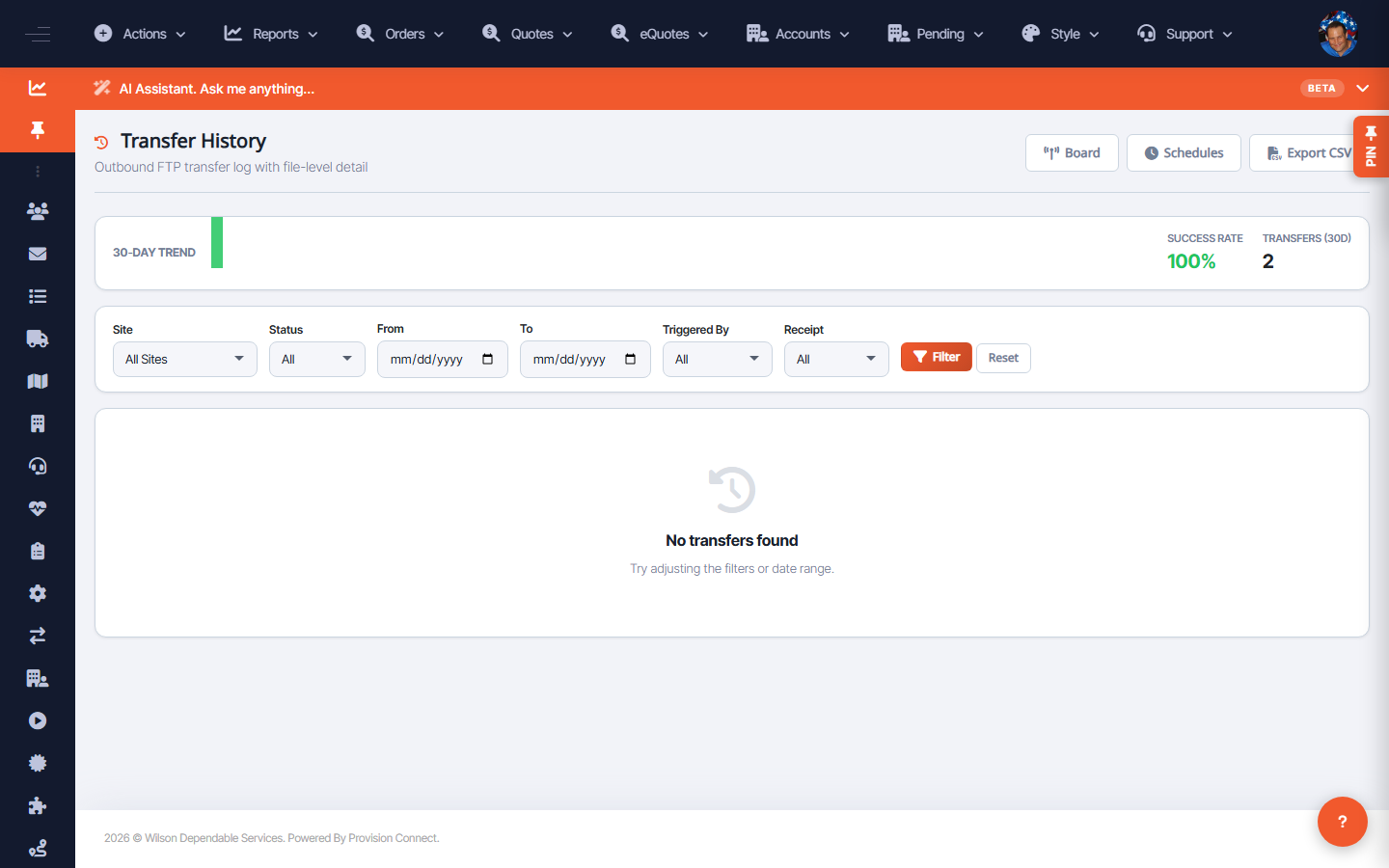
Transfer History lists past FTP transfers and their outcomes, so you can confirm a feed ran and diagnose failures over time.
Before you start
- Required role: Admin
Steps
- Go to FTP Services ? History (
/ftp.cfm?view=history). - Find the transfer by site/date and check its status and details.
What success looks like
You can confirm whether a given transfer succeeded and when, and spot patterns of failures.
Gotchas / troubleshooting
- Pair History with Audit Log for the full record of who changed a site/schedule around a failure.
Related
- Monitor FTP transfers on the Departures Board
- Create and manage FTP schedules