
Summary
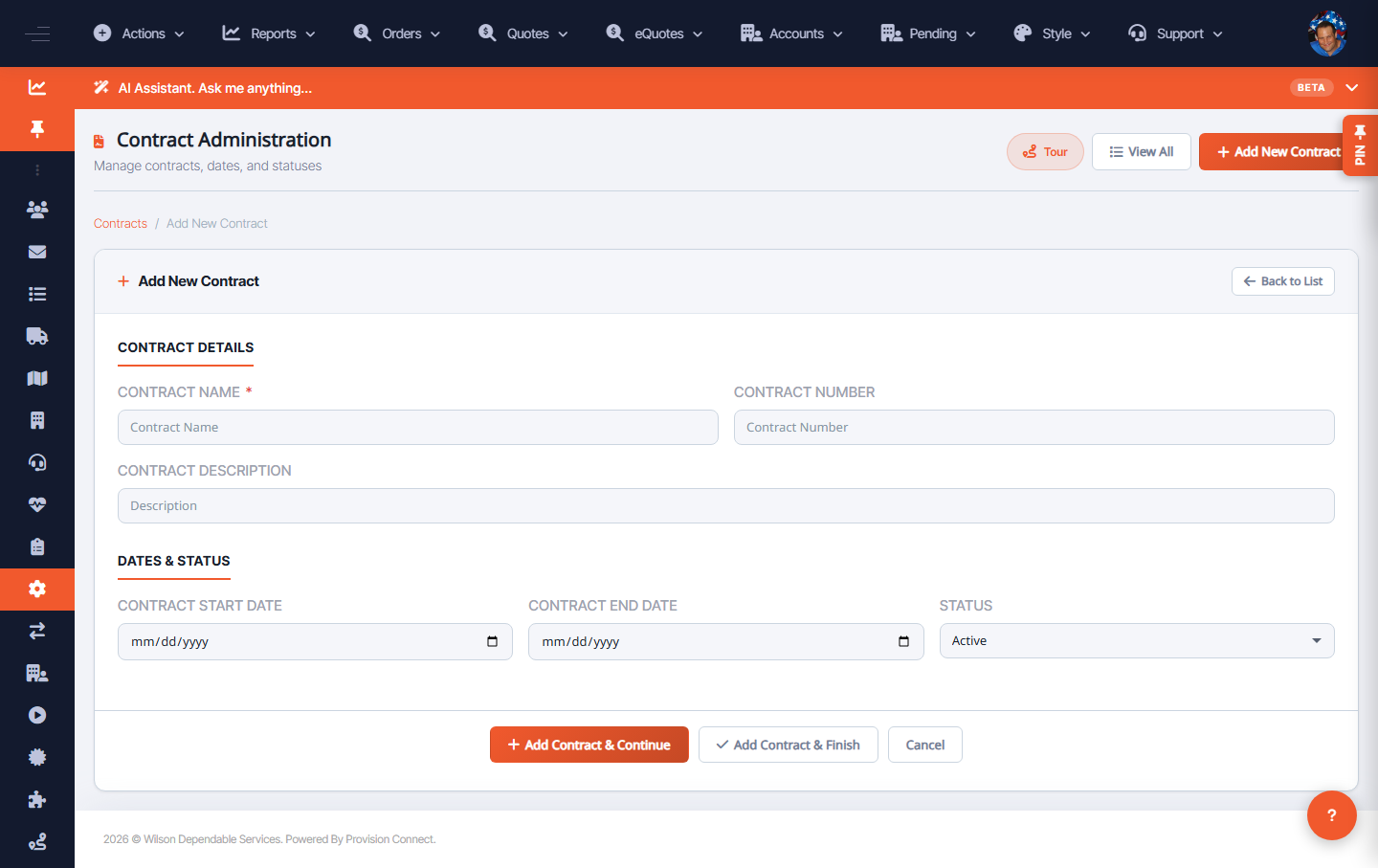
Contract Administration is where you add and maintain contracts (e.g. BPAs) that govern pricing and terms for accounts. Use Add New Contract to create one.
Before you start
- Required role: Admin
Steps
- Go to Configuration ? Contract Management (
/contracts.cfm?contracts_view=1). Existing contracts are listed with columns: Contract Number, Description, Start, End, and Status. - Click Add New Contract.
- Complete the form and save:
- Contract Name — a label for the contract
- Contract Number — your reference/identifier
- Contract Description — what the contract covers
- Contract Start Date and Contract End Date — the effective date window
- Status — whether the contract is active
- Save. To change a contract later, click its row in the list to open the edit form (same fields).
What success looks like
The new contract appears in the Contract Management list with its number, dates, and status, and its terms/pricing apply to the linked account.
Gotchas / troubleshooting
- Tie contracts to the correct pricing book so quotes and orders use contract pricing.
- Set the Start/End dates deliberately — an expired end date takes the contract's pricing out of effect.
Related
- Manage pricing books
- Manage accounts