
Summary
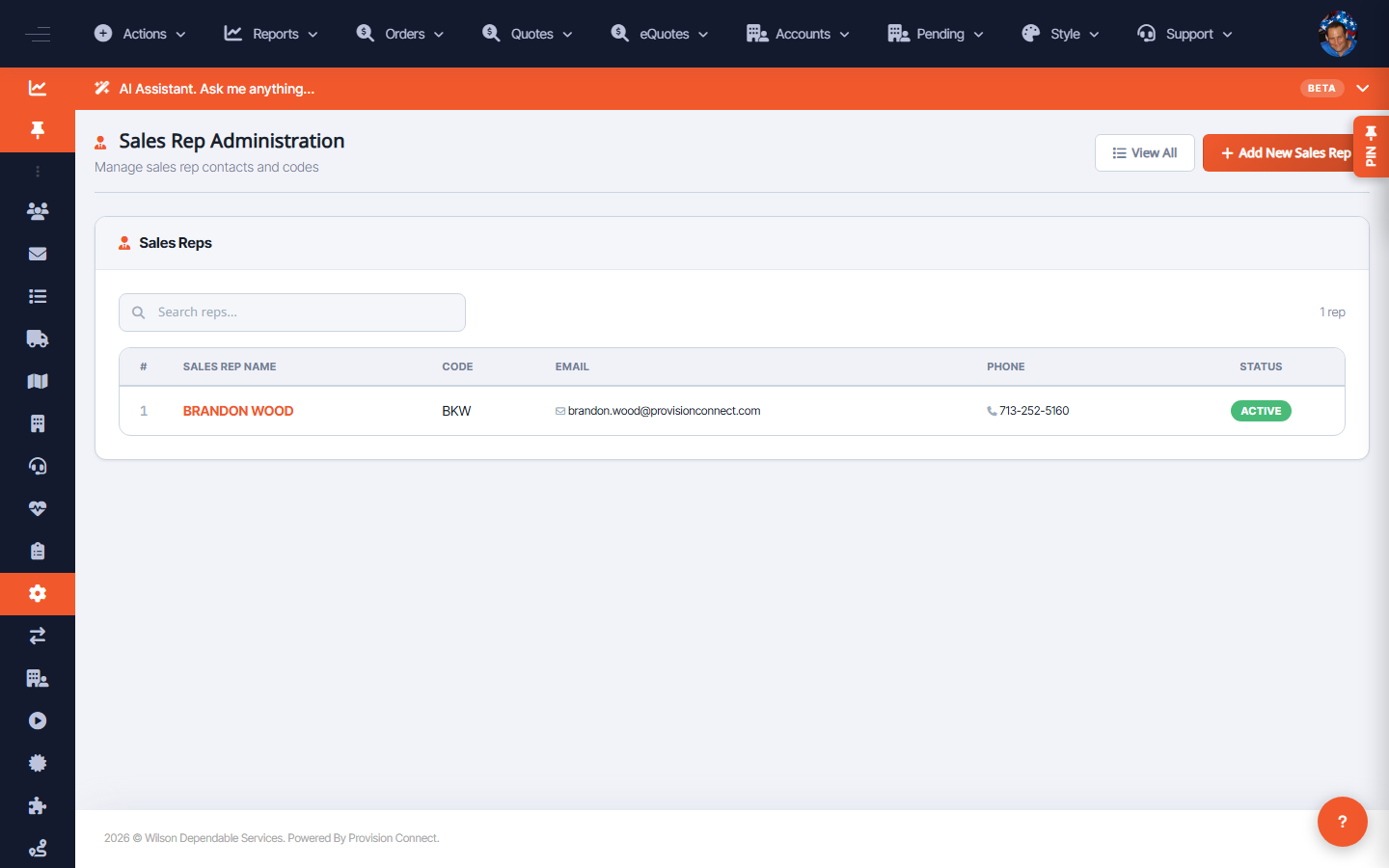
Sales Rep Administration maintains the rep directory — name, code, email, phone, and status — used to assign reps to accounts and segment reporting.
Before you start
- Required role: Admin
Steps
- Go to Configuration ? Sales Reps (
/sales_rep.cfm?sales_rep_view=1). _(Columns: #, Sales Rep Name, Code, Email, Phone, Status)_ - Add or edit a rep with name, code, email, and phone.
- Set Status to active/inactive.
What success looks like
The rep appears in the directory and can be selected when assigning accounts or filtering reports.
Gotchas / troubleshooting
- Keep the rep Code stable; it's used to tie historical orders/reports to the rep.
Related
- Manage accounts
- Run reports