
Summary
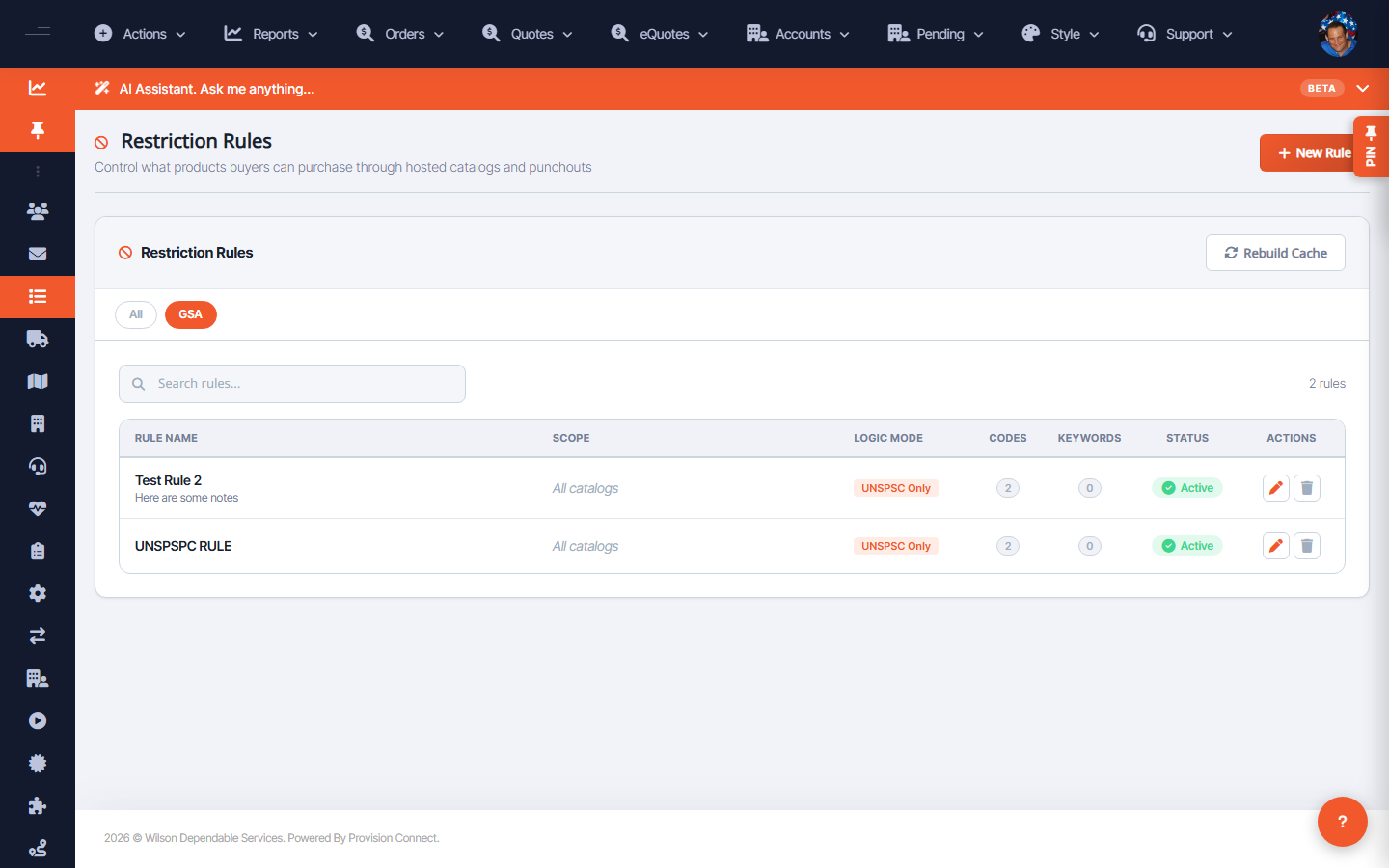
Restriction rules are served from a precomputed cache. After creating or changing rules, click Rebuild Cache so the changes show up in hosted catalogs and punchouts.
Before you start
- Required role: Admin or Catalog Manager
- A rule change that isn't yet reflected for buyers
Steps
- Go to Restriction Rules (
/restriction_rules.cfm). - Click Rebuild Cache. _(Button tooltip: "Rebuild the precomputed restriction link cache for this account")_
- Wait for the rebuild to finish, then re-check the buyer catalog.
What success looks like
After the rebuild, blocked items no longer appear in the affected account's catalog/punchout search and cannot be added to cart.
Gotchas / troubleshooting
- The cache is per-account; rebuild on the account whose rules you changed.
Related
- Manage, activate, edit, or delete restriction rules