
Summary
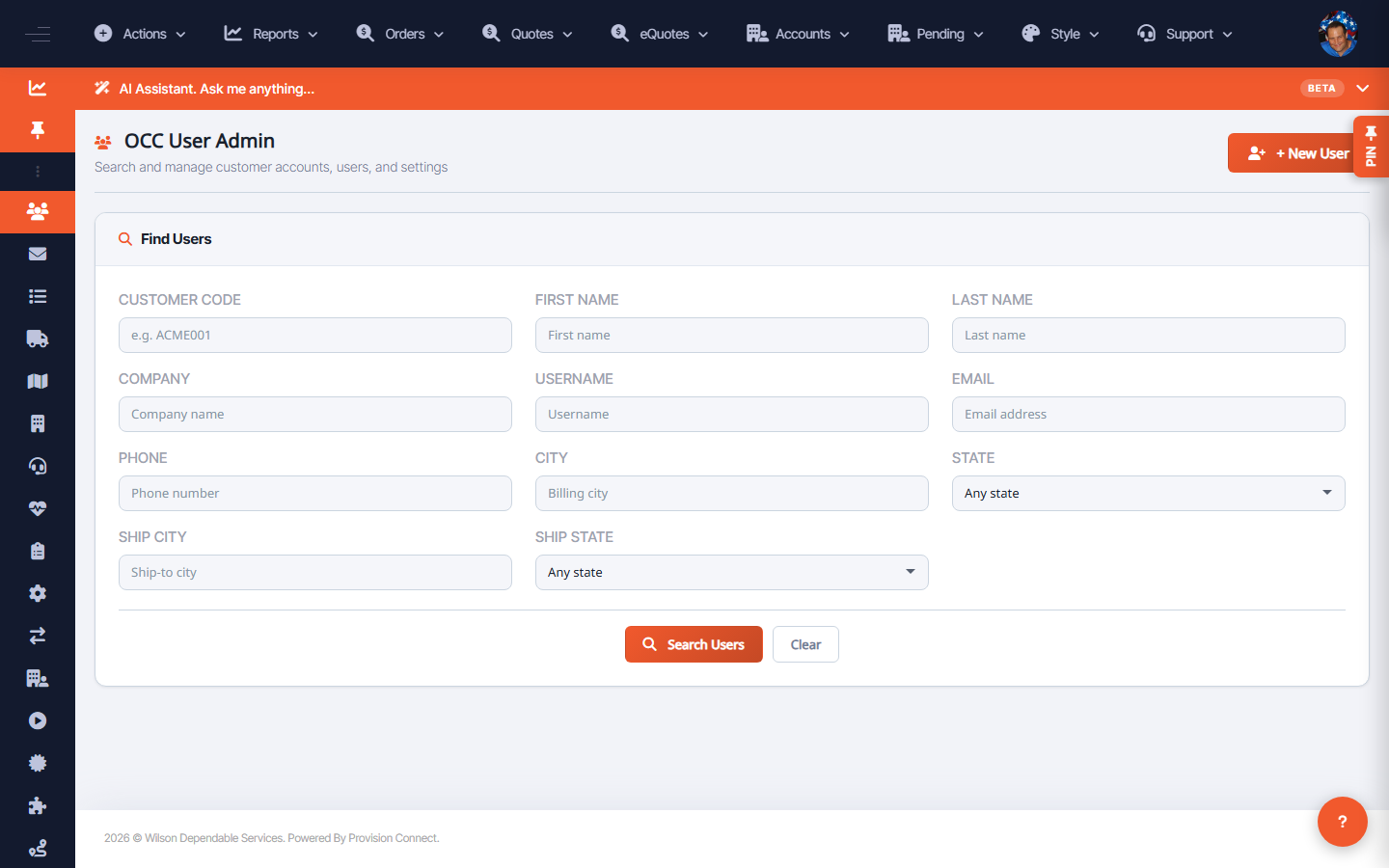
The OCC User Admin search finds existing customer logins by many fields, so you can open a user to view details, fix permissions, or reset access.
Before you start
- Required role: Admin
Steps
- Go to User Admin (
/customers.cfm?search=1). - Enter any combination of: Customer Code, First Name, Last Name, Company, Username, Email, Phone, City, State, Ship City, Ship State, Account.
- Click Search Users.
- Open a result to view or edit the login and its permissions.
What success looks like
Matching logins are listed; opening one shows its account, contact info, and permission flags for editing.
Gotchas / troubleshooting
- If a user reports being "locked out," check Allow this customer to login on their record.
- Searching by Account is the fastest way to list everyone under one company.
Related
- Create a customer login and set permissions
- Manage accounts